
Sharing a screenshot is easy until someone needs the second page, the updated quantity, or the source. A shared recipe should give everyone the same usable instructions. A shared grocery list should show what is still needed right now.
Recipe Scout supports web links for saved recipes and, with eligible access, collaborative shopping lists that family or friends can view and edit together. Those are different kinds of sharing and should be treated differently.
Share a recipe as a stable link
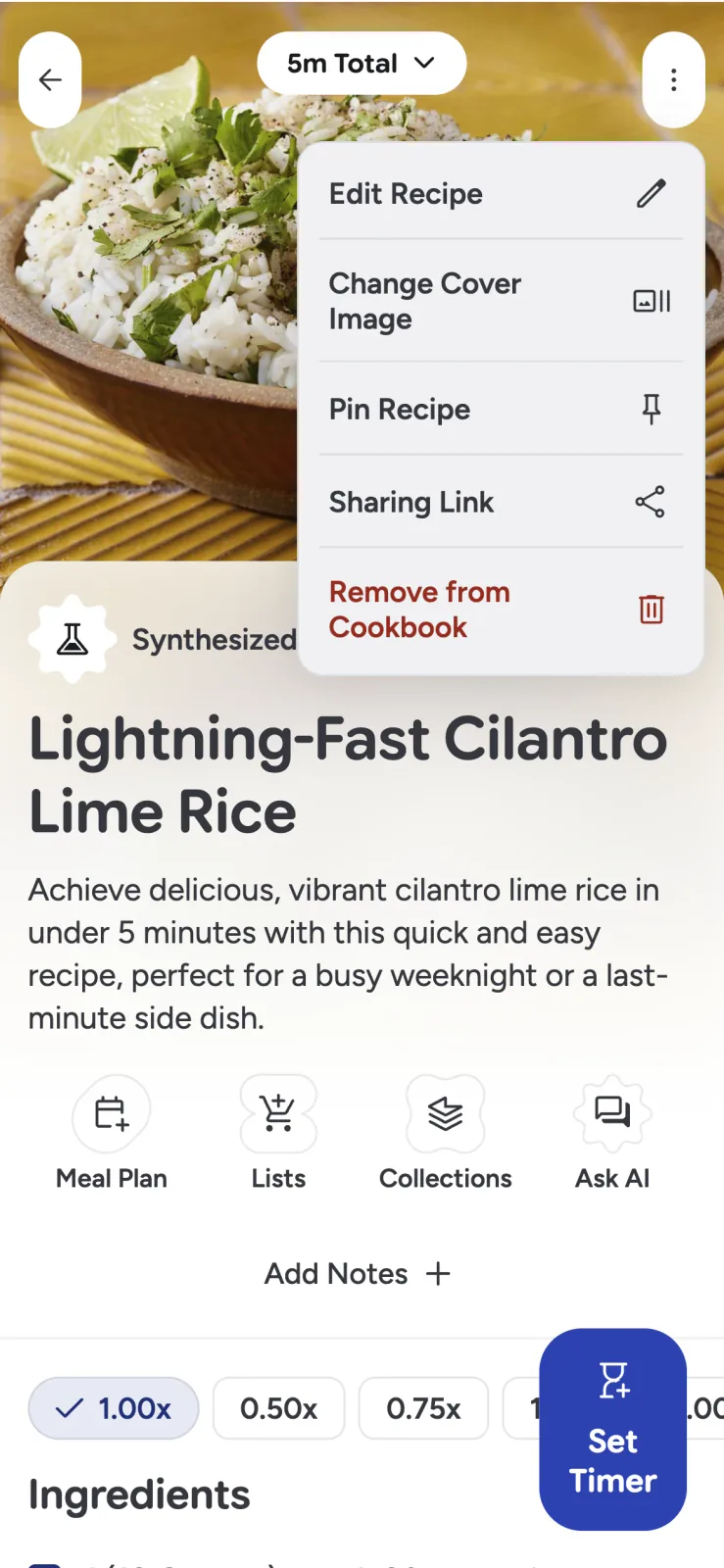
From a saved recipe, open its options and choose the sharing-link action. The recipient can open the web view without installing Recipe Scout.
Before sending, review the recipe as if you could not answer follow-up questions. Include:
- Yield and serving size
- Complete ingredient quantities
- Oven temperature and pan size
- Essential equipment
- Tested substitutions
- Make-ahead, storage, or reheating notes
- Clarification for family shorthand
Keep the original source attribution. A clean working recipe should make the creator easier to find, not erase them.
Distinguish “view this” from “edit this”
A recipe link is designed for easy viewing. A collaborative grocery list is live household data: another person can change its contents or status.
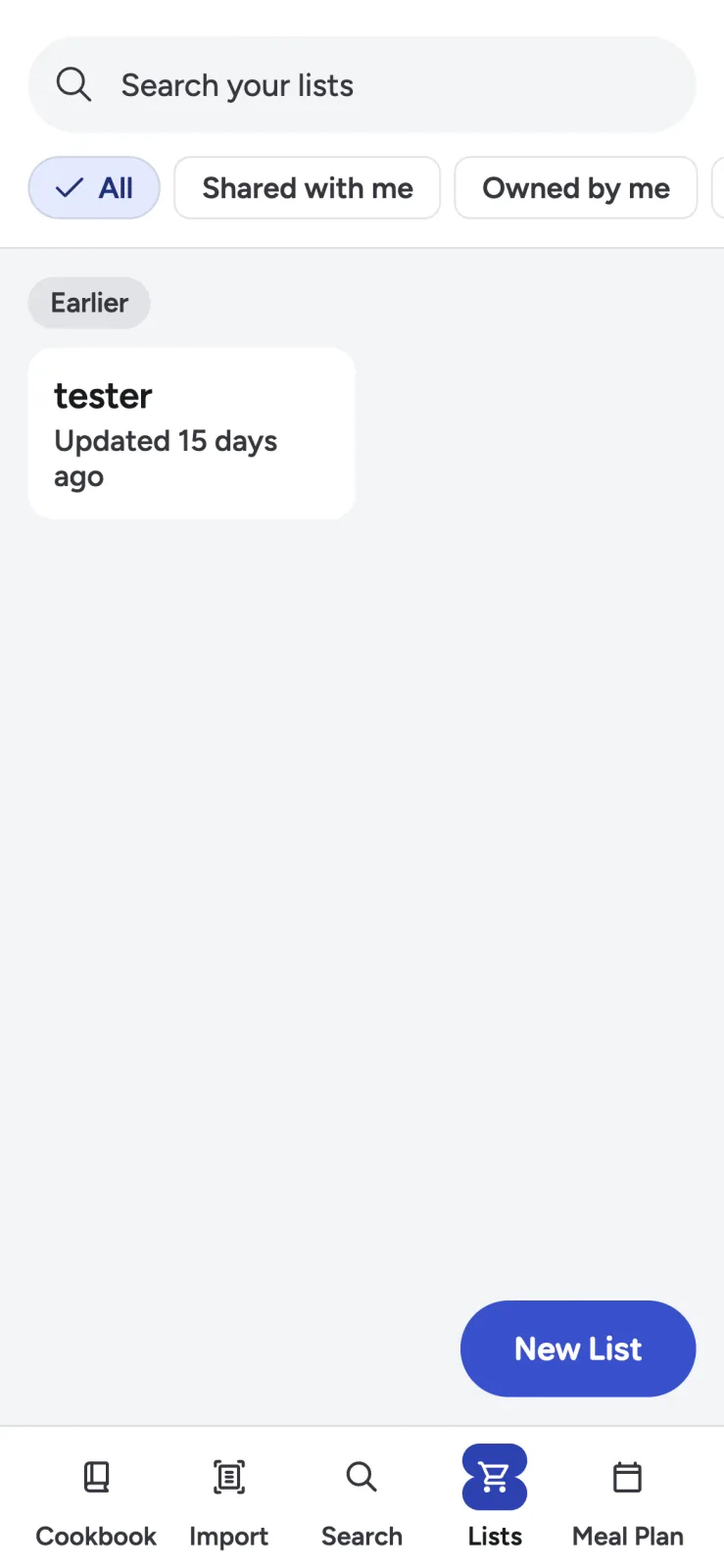
Share edit access only with people who are participating in the trip or plan. Recipe Scout distinguishes lists you own from those shared with or by you, so access is visible rather than buried in a message thread.
Review access when a trip, event, household, or collaboration ends. Do not use a broadly shared list for private dietary or medical information that participants do not need.
Build one list from agreed meals
Confirm the meals and servings first, then add all or selected recipe ingredients to one named list. Recipe Scout categorizes items, merges compatible duplicates, and keeps the source recipe attached.
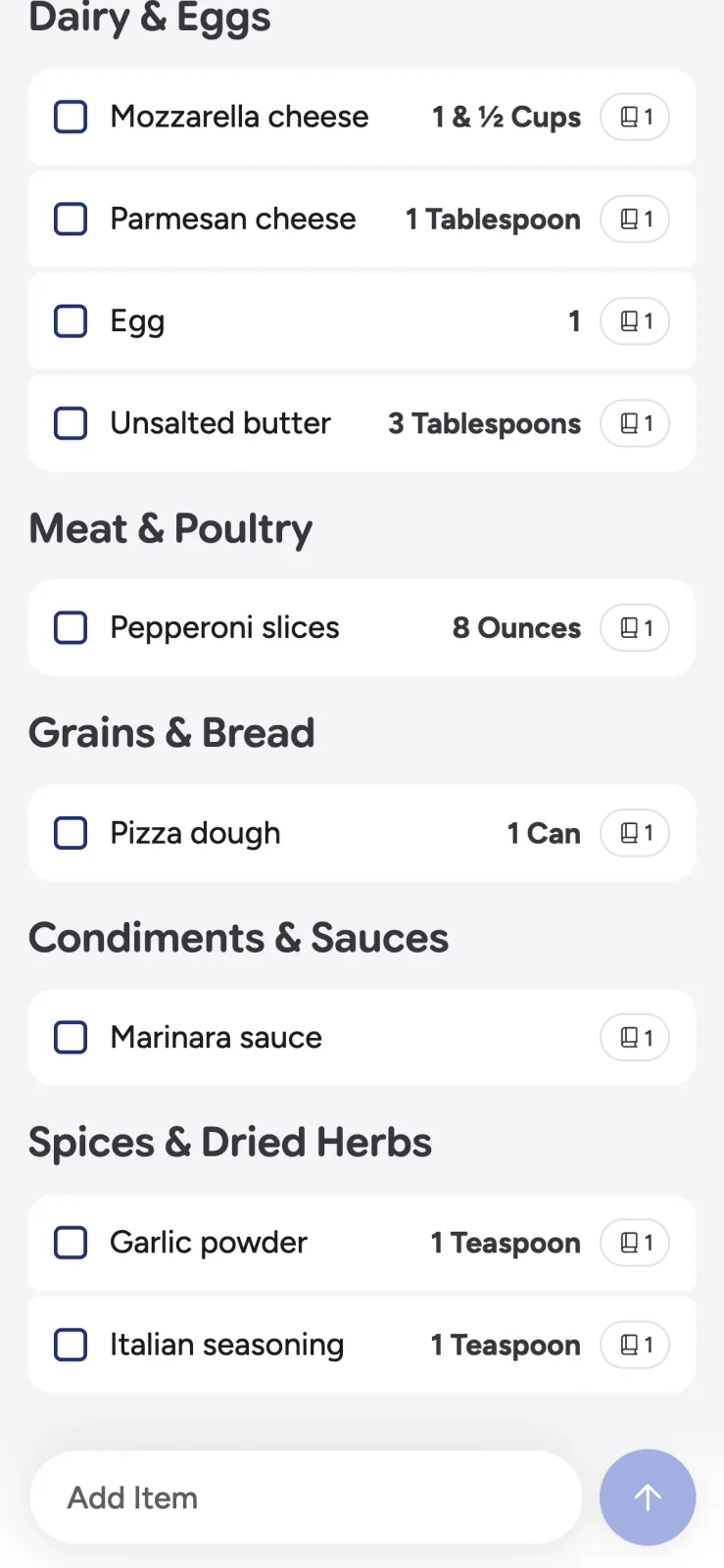
That source detail prevents confusion. If the list contains three kinds of cheese or six limes, anyone can see which meals requested them. Custom household items can live alongside recipe ingredients, avoiding a second checklist for milk, coffee, or paper towels.
For the complete setup, follow how to make one grocery list from several recipes.
Agree on five household conventions
The software can synchronize a list; it cannot decide what “done” means for your household.
- Search before adding. Avoid separate “tomatoes,” “tomato,” and “2 tomatoes” entries.
- Include quantity and preference. Write “6 firm pears” or “32 oz low-sodium broth.”
- Check an item only when it is in the cart. Intention is not completion.
- Do not delete an uncertain item. Ask first or leave it unchecked.
- Name lists by trip or purpose. “Saturday market” is clearer than “Groceries 4.”
If two people shop at once, divide by store section or location before starting. Both can still work from one list while avoiding the same aisle.
Plan for weak connectivity
Large stores and parking garages often have poor service. Open the list before entering, confirm that both people see the current version, and avoid rapid contradictory edits when offline.
Recipe Scout supports queued changes for key list actions and can synchronize after connectivity returns. When the purchase is time-sensitive, a quick message is still useful: “I have produce; you take dairy.” Coordination habits remain more important than the sync indicator.
Share family recipes with their context
An inherited recipe needs more than ingredients. Ask whose handwriting appears on the card, what occasion the dish belonged to, and which unwritten changes the family made.
Put that story in the source notes, preserve an image of the original, and share the structured recipe as the working copy. Read how to digitize handwritten recipes without losing the original before processing fragile or unique cards.
If the recipe comes from a published site, share the source link or a properly attributed Recipe Scout view. Do not remove the author or present their work as your own.
Make instructions safe for someone else
Personal notes can rely on memory; a shared recipe cannot. Replace “cook until done” with the visual cue you use, and add tested timing as a note.
For foods where internal temperature matters, link the recipient to current authoritative advice. The USDA safe-temperature chart lists minimum temperatures and rest times and advises measuring with a food thermometer.
Do not share an AI-estimated allergy substitution as though it were verified. Identify it as a suggestion and let the recipient check their exact ingredients and needs.
Close the loop after shopping or cooking
Archive or rename completed trip lists so nobody shops from an old version. After someone cooks a shared recipe, add the useful feedback to the saved copy:
- “Served six, not four.”
- “Needed another ten minutes in a glass dish.”
- “The doubled sauce worked.”
- “Use less salt with our brand of broth.”
One good note prevents the same clarification from returning to the family chat.
Share one clear source of truth
Good sharing reduces repeated messages without hiding ownership or access. Everyone sees the same recipe, groceries come from agreed meals, and checked items reflect the actual cart.
Use Recipe Scout to share one recipe link or one named shopping list, then agree on the simple convention that will keep it accurate.


