
A recipe collection is useful when it shortens a decision. It is not useful when saving one dish requires choosing among twelve overlapping folders.
The simplest durable system separates recipes you have not cooked from recipes you trust, then adds only the categories that match real decisions in your kitchen. Recipe Scout combines collections with search, favorites, tags, and like or dislike signals, so one folder structure does not have to carry every meaning.
Begin with two states: untested and proven
Start with:
- Recipes to try: promising imports you have not cooked.
- Weeknight favorites: dependable meals you would confidently make again.
That division solves a common problem: a viral recipe and a ten-year family favorite should not look equally reliable just because both are saved.
After cooking something from “Recipes to try,” add a note and decide whether it graduates, remains for another attempt, or gets a dislike signal. You do not need to delete a failure; keeping the record can stop you from saving the same disappointing dish again.
Add collections that answer recurring questions
Complete this sentence before creating a collection: “I want to see these recipes together when…”
Useful answers include:
- “…I have 30 minutes after work.”
- “…I need lunches that reheat well.”
- “…friends are coming over.”
- “…I am baking for the holidays.”
- “…I need a meal everyone in the household accepts.”
Vague answers produce vague folders. “Miscellaneous,” “Good food,” and “Dinner ideas 2” rarely help anyone choose.
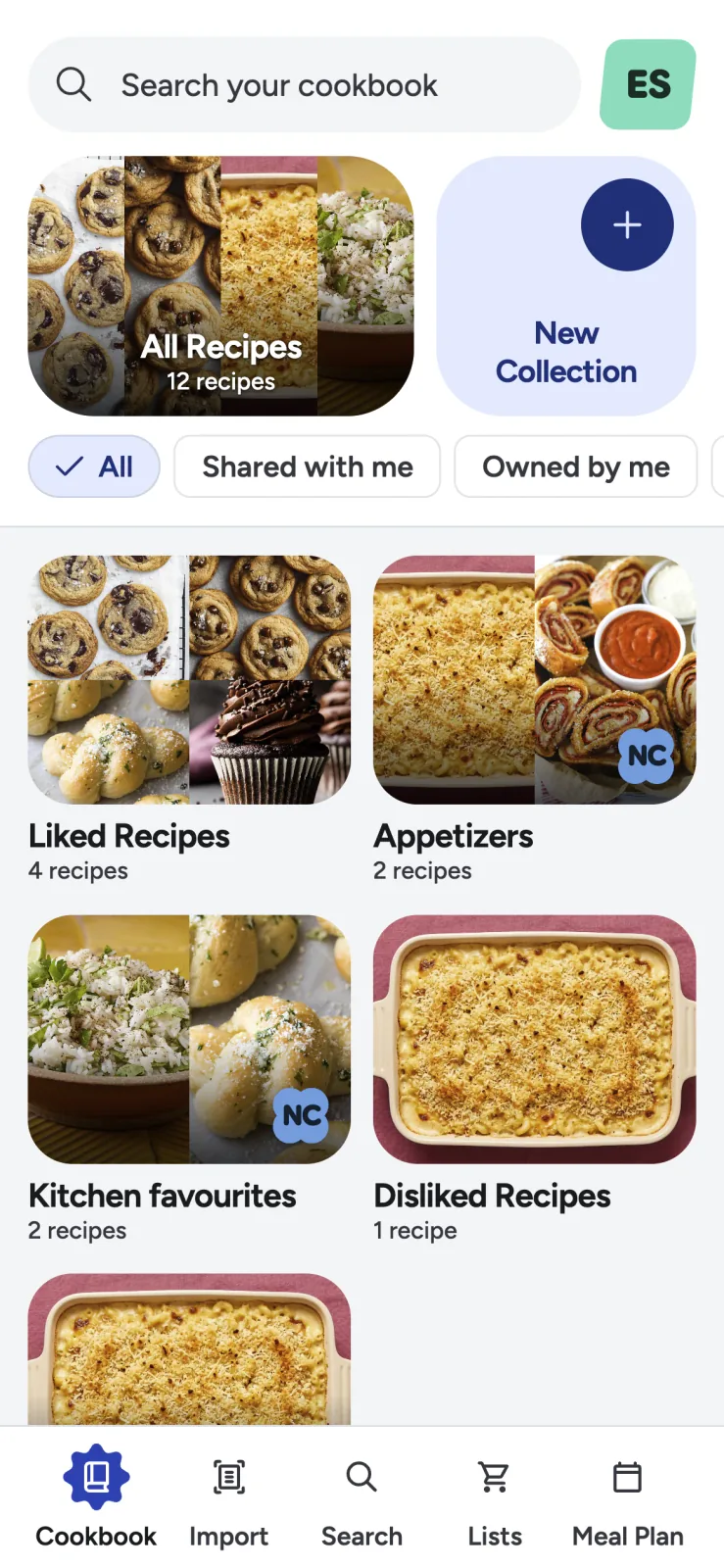
A five-collection starter system
If two collections feel too spare, use this compact set:
- Recipes to try for the discovery inbox.
- Weeknight favorites for reliable everyday meals.
- Quick and low-cleanup for constrained nights.
- Meal prep and freezer for food designed to wait.
- Special occasions for holidays, guests, and projects.
Add cuisine, diet, or ingredient collections only when you repeatedly browse that way. A vegetarian household may need “Vegetarian mains.” Someone with 150 baking recipes may benefit from bread, cakes, and cookies. A person with six baking recipes probably will not.
Give favorites, ratings, and collections different jobs
Collections describe context. Favorites describe confidence. Tags describe attributes.
A quick pasta may belong to “Quick and low-cleanup,” carry the tags “vegetarian” and “pantry,” and be marked as a favorite. Those labels are not redundant; each answers a different question.
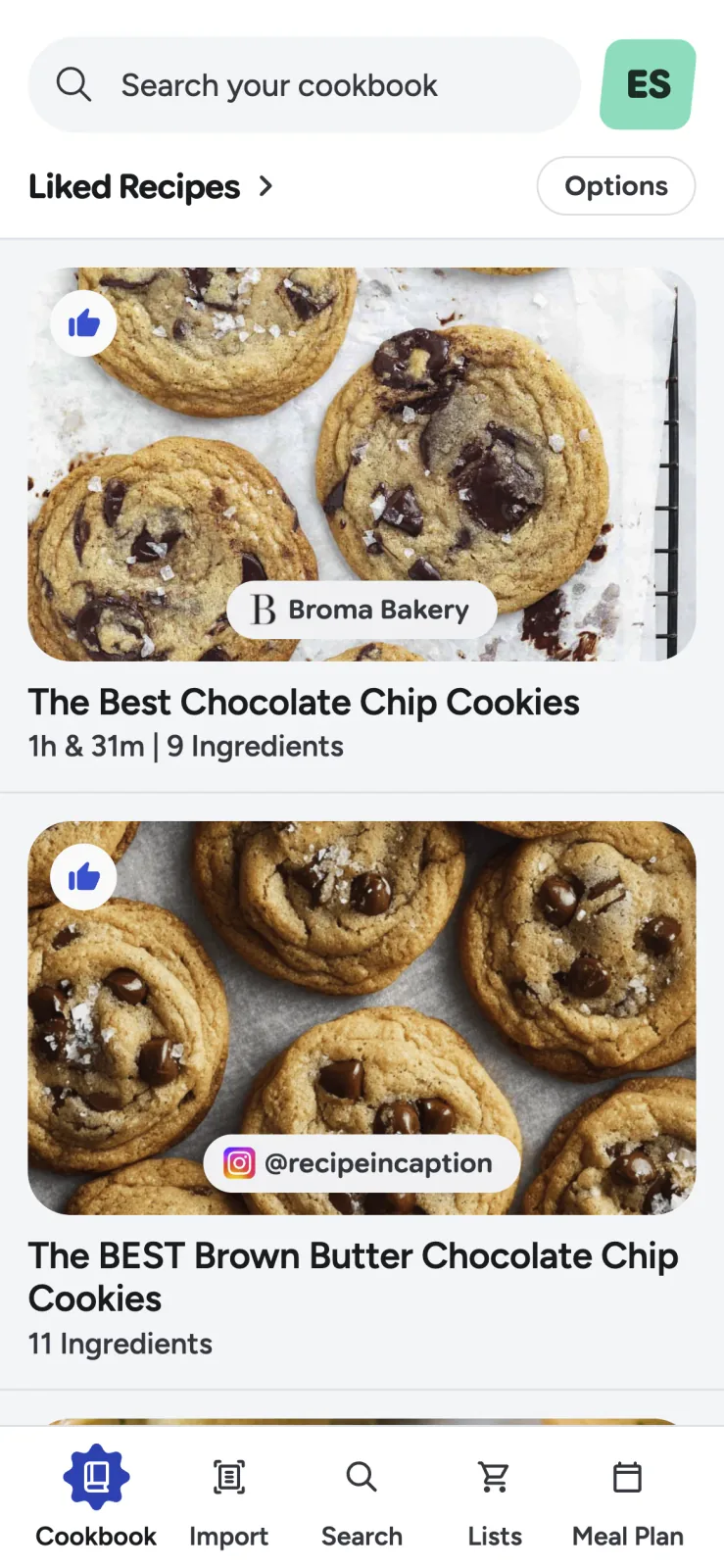
Recipe Scout supports favorites plus like and dislike signals. A practical post-cook decision is:
- Favorite: I would serve this without hesitation.
- Like: Worth keeping, though not a default.
- Dislike: Keep the record but stop treating it as a strong option.
- Unrated: Not cooked or not decided.
Use tags for traits that cross folders
Tags are better than collections for details that apply in several contexts:
- Gluten free
- One pot
- Freezer friendly
- High protein
- Kid friendly
- Summer
- Pantry staples
A freezer-friendly chili can belong to weeknight favorites and meal prep while carrying one-pot and high-protein tags. Avoid near-duplicates such as “30 minute,” “under 30,” and “quick.” Choose one phrase and reuse it.
Use titles and notes to improve search
No filing system predicts every future question. Search is the safety net.
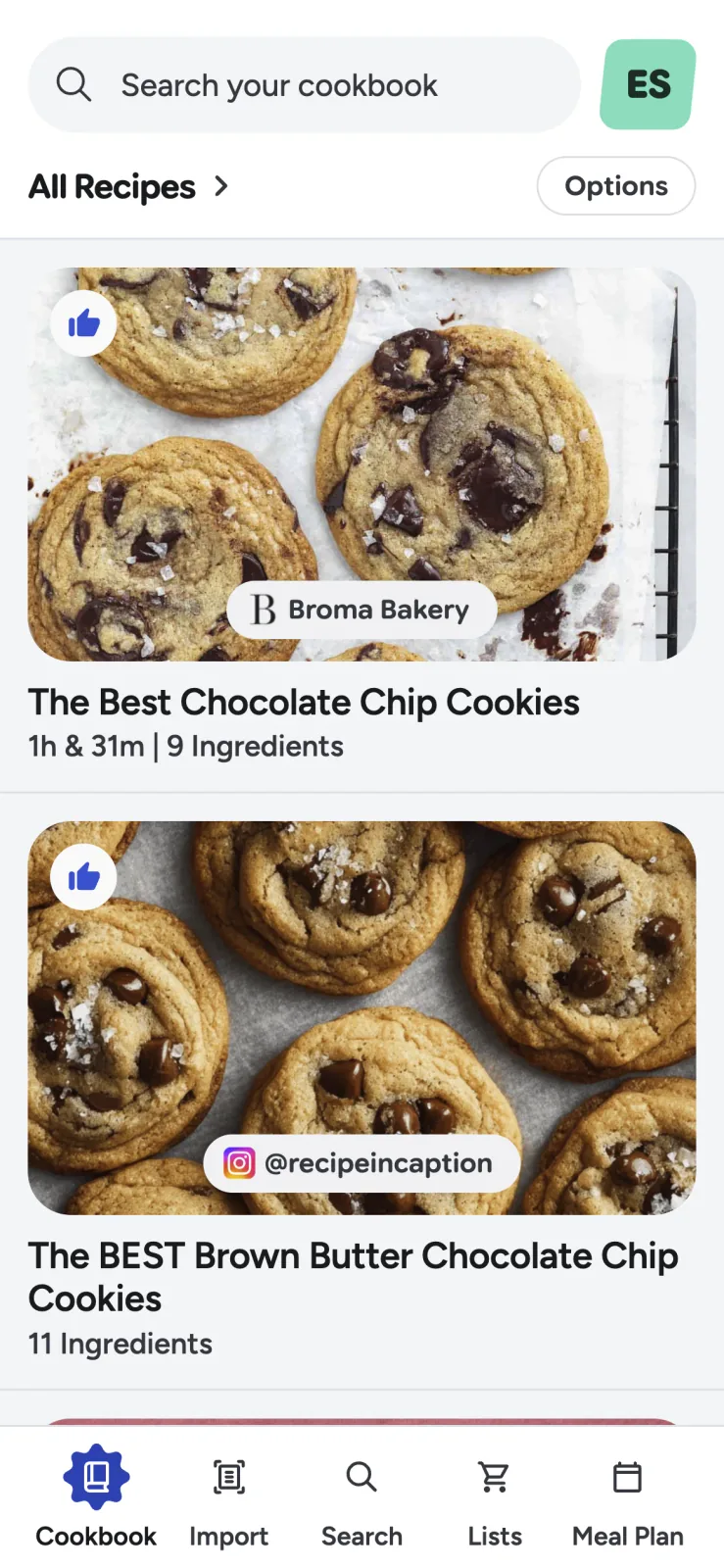
Use titles that contain the words you are likely to remember. “Dad’s pasta” may be meaningful now; “Dad’s roasted tomato and sausage pasta” is easier to find later.
Put personal details in notes:
- “Double the sauce for leftovers.”
- “Use a 9-inch metal pan, not glass.”
- “Maya liked it without olives.”
- “Good cold for lunch.”
Those observations are more useful than a complicated folder hierarchy because they capture experience only your household has.
Prevent the discovery inbox from taking over
Saving is easier than cooking. Keep “Recipes to try” from becoming an infinite queue with one rule: for every few new saves, cook or reject one existing item.
You can also create a temporary “This month” collection with five to ten candidates. Choose new meals from that smaller list instead of the full archive. When the month ends, return uncooked recipes to the inbox rather than creating a permanent stack of dated folders.
If recipes still live across browsers and social apps, first bring them into one source-aware cookbook.
Run a seasonal ten-minute cleanup
Every few months:
- Rename unclear collections.
- Merge duplicates and remove empty folders.
- Move proven dishes out of the “to try” inbox.
- Add notes to recipes you modified while cooking.
- Archive or mark recipes that no longer fit your needs.
- Check whether any tag is used on only one recipe and adds no value.
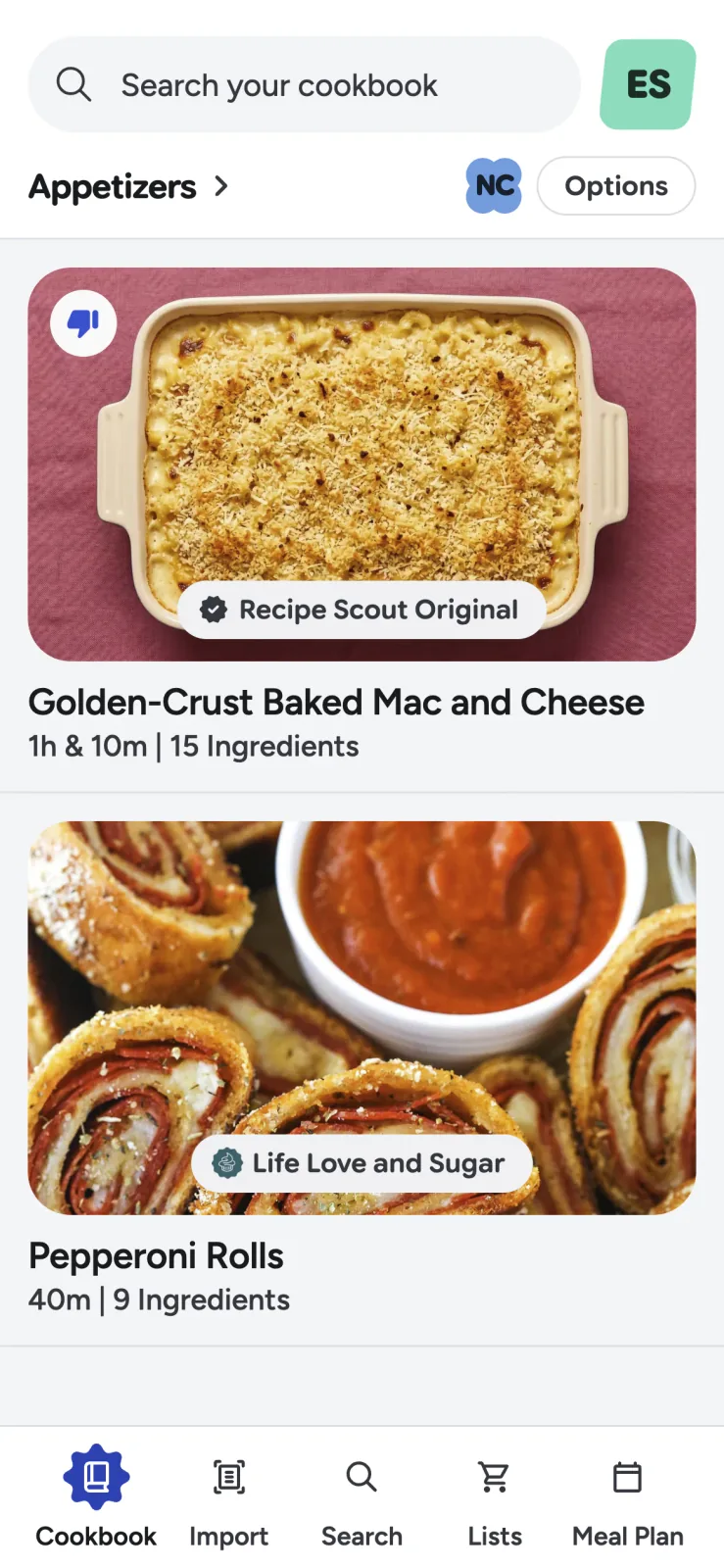
Do not reorganize every card. Fix only the labels that slow down a real search or decision.
Organize for the next meal
The goal is not a perfectly classified archive. It is to open your cookbook and see a credible answer to “What can I make tonight?”
Build a small cookbook in Recipe Scout with two collections first. Let actual cooking—not the urge to categorize—tell you what to add next.


