
A handwritten recipe card carries two kinds of information. The ingredients and method tell you how to make the dish; the handwriting, stains, crossed-out quantities, and margin notes tell you who made it theirs.
A good digitization project preserves both. Create a searchable working recipe for the kitchen, keep a clear image of the card, and store the physical original safely.
Recipe Scout can photograph a card or import an existing image, then structure the visible text into ingredients and instructions. Text recognition saves typing, but the human review is what makes the result trustworthy.
Gather context before you scan
Before processing a box of cards, ask relatives what they know. A label like “Aunt May’s cake” may need a surname, occasion, approximate decade, or note that the recipe came from a newspaper.
Record the basics while someone can still answer:
- Who wrote or used the recipe?
- Was it copied from another source?
- When and where was it usually served?
- What pan, package size, or household measure did “the usual” mean?
- Are there changes everyone made but nobody wrote down?
This context is difficult to reconstruct later. Put it in the recipe notes or a related collection, not in the ingredient list.
Photograph a recipe card clearly
You do not need special equipment for a useful working copy. You do need an image that is square, complete, and easy to read.
- Place the card on a plain, contrasting background.
- Use bright, even light; avoid phone shadows and glare from plastic sleeves.
- Hold the camera parallel to the paper so lines do not taper.
- Include every edge of the card rather than cropping tightly during capture.
- Photograph the back even if it appears blank; faint notes are easy to miss.
- Take a second close-up of any faded, stained, or overwritten section.
For a bound cookbook, do not force the spine flat. The U.S. National Archives digitization guidance recommends supporting books comfortably and using an overhead setup instead of pressing a vulnerable binding onto a flatbed scanner.
Import and structure the recipe
In Recipe Scout:
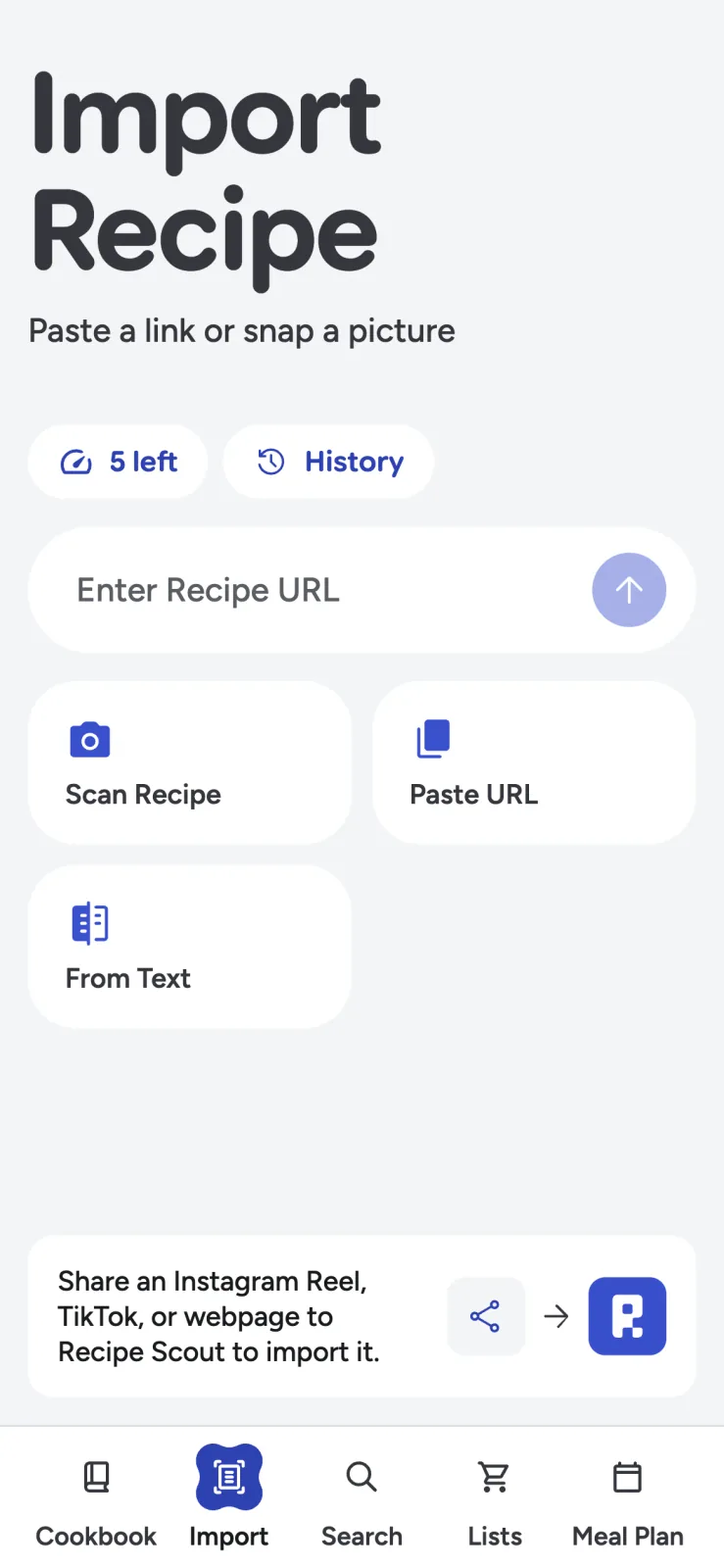
- Open Import and choose Scan Recipe.
- Select Scan with Camera or Choose from Gallery.
- Capture or select the clearest image.
- Review the proposed title, yield, ingredients, and steps.
- Correct the transcription before saving.
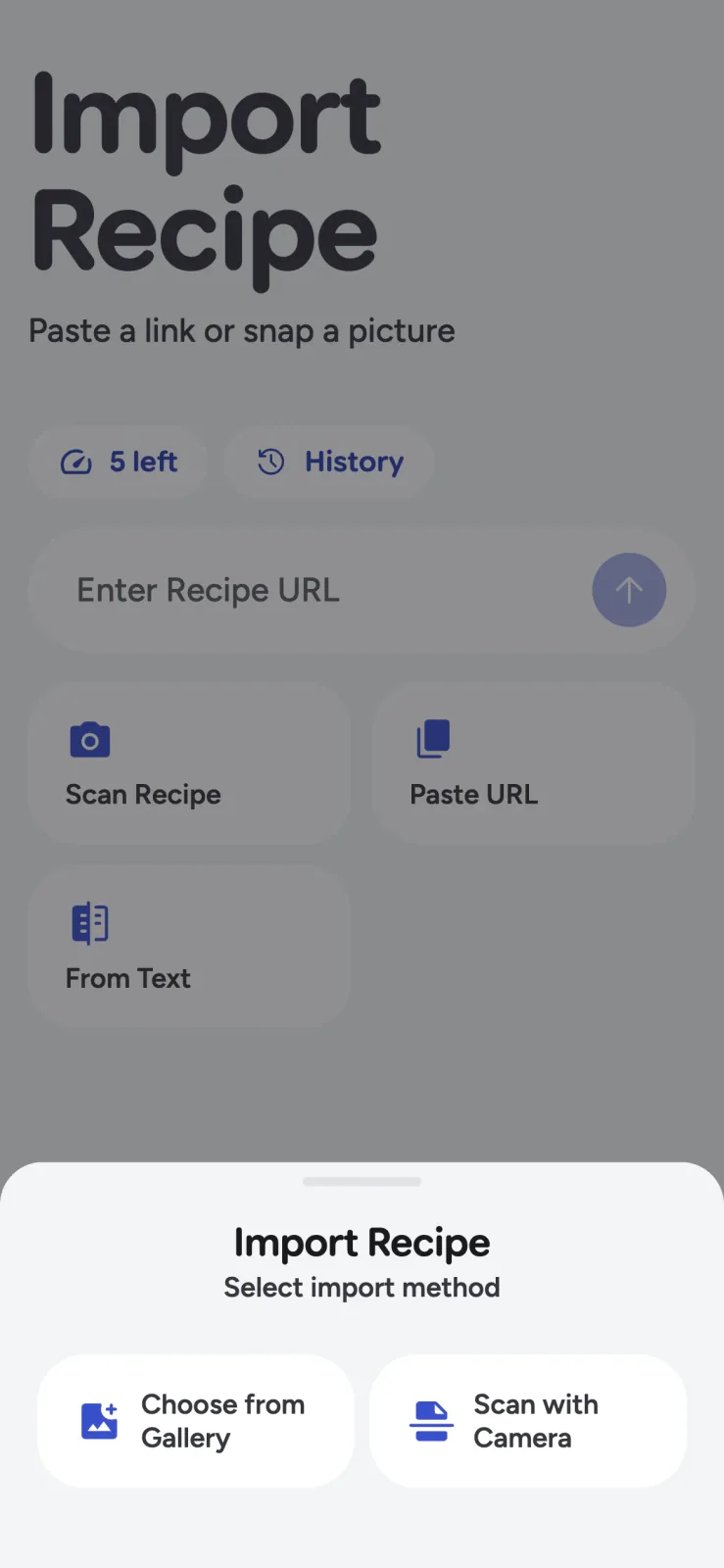
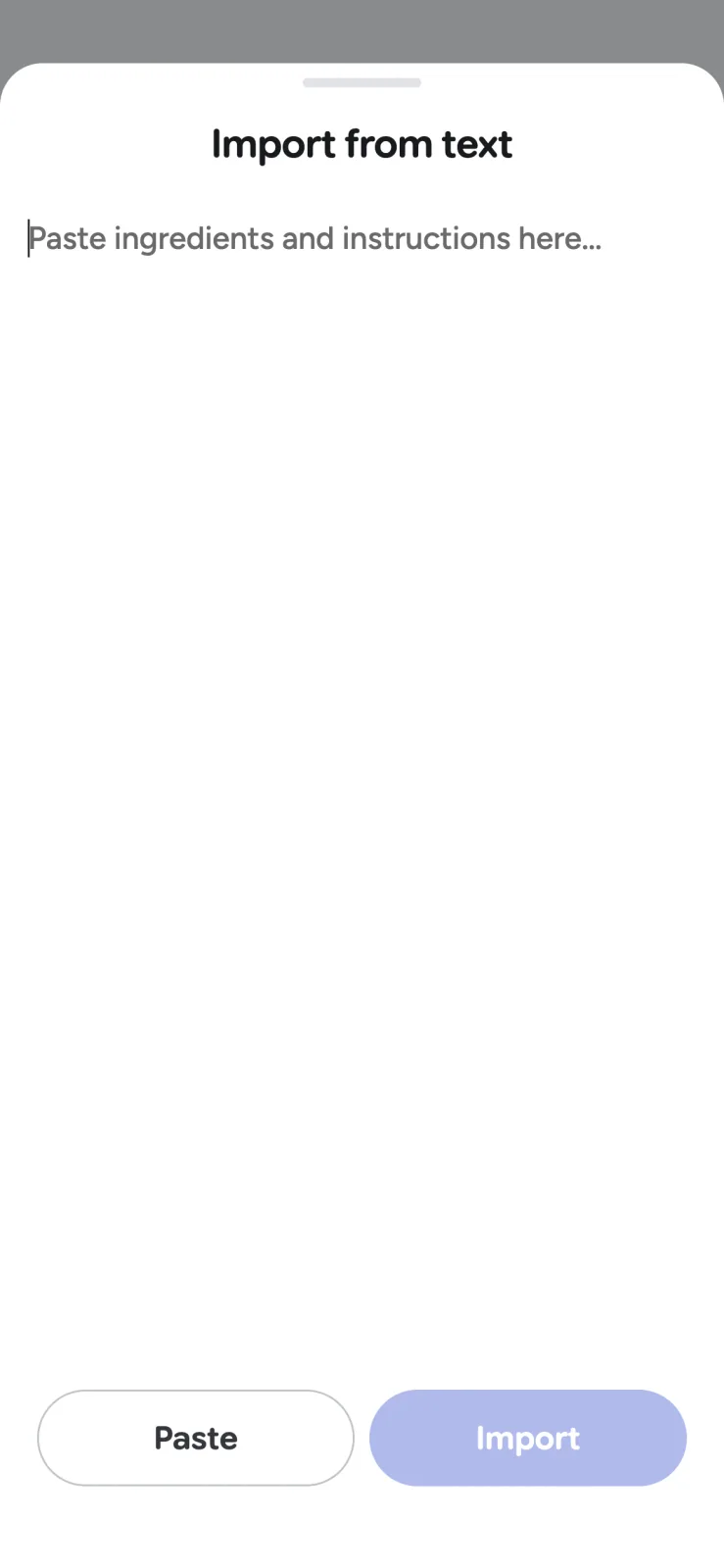
If a relative already typed the recipe into an email or document, use From Text instead. Save the card image separately so the handwriting and layout remain part of the family record.
Check the errors that matter most
Handwriting recognition can produce perfectly spelled but dangerously wrong text. Review the fields where one character changes the result:
- 1/2 versus 1/4
- 1 teaspoon versus 1 tablespoon
- 325°F versus 375°F
- 15 minutes versus 45 minutes
- “flour” versus “four”
- Salt amounts and decimal quantities
- Ingredients written above the line or in a margin
Then read the instructions against the ingredient list. Every ingredient should appear where expected, and every temperature should have a unit. Do not silently invent missing information. Mark it as “unknown,” add a family recollection as a note, or test the recipe deliberately.
Preserve the original voice and add modern clarity
Separate transcription from interpretation. If the card says “bake in a moderate oven,” keep that wording in a note or source image and add a clearly labeled modern estimate only when you have evidence for it.
A useful digital recipe might contain:
- Transcribed title: “Nana’s Sunday Biscuits”
- Source note: “Card in Nana Ortiz’s handwriting, probably 1970s”
- Original instruction: “Bake in hot oven until ready”
- Tested note: “In our oven, 425°F for 13–15 minutes; tested August 2026”
Labeling the tested interpretation prevents a later editor from mistaking a guess for the original recipe.
Organize the archive for people, not boxes
Begin with one collection for the project: “Ortiz family cards” or “Blue kitchen binder.” Add a small number of secondary collections only when they help someone browse, such as holiday baking, Sunday dinners, or recipes still needing verification.
Use descriptive titles. “Mom’s soup” is hard to search; “Mom’s lemon chicken orzo soup” is easier for the next generation. For a broader system, see how to organize recipe collections you will actually use.
Add a short status to uncertain recipes:
- Transcribed, not yet cooked
- Missing original yield
- Needs allergy review
- Tested and updated
- Source image incomplete
That small bit of metadata keeps an archive honest.
Keep the paper after digitizing
Digital files make recipes easier to view and share, but they are not a replacement for the artifact. The National Archives explicitly recommends keeping originals and backing up digital files, including a 3-2-1 approach: three copies, on two types of media, with one copy off-site.
For the physical cards, avoid hot attics, damp basements, direct light, pressure-sensitive tape, and overstuffed albums. The Archives’ family-paper storage guidance recommends stable, cool, relatively dry conditions and archival-quality enclosures. If a card is moldy, brittle, stuck to another item, or unusually valuable, consult a conservator rather than experimenting with household cleaners or adhesives.
Make a small archive useful immediately
Do not wait until the entire box is scanned. Start with ten recipes, verify the two your family still cooks, and share those digital working copies. The project becomes meaningful as soon as someone can find and make a dish without handling the only original.
Try Recipe Scout to scan one card, preserve its story in the notes, and turn the cooking instructions into something your family can search and use.


