
Cooking mode is a recipe view built for making the dish rather than discovering it. It removes page clutter, keeps ingredients and instructions close together, and turns durations and serving sizes into useful controls.
That distinction matters when a pan is hot. The story and comments that helped you choose a recipe should remain available at the source, but the working view needs to be readable, stable, and difficult to lose.
Recipe Scout turns a saved recipe into that kitchen workspace while retaining the original attribution and source link.
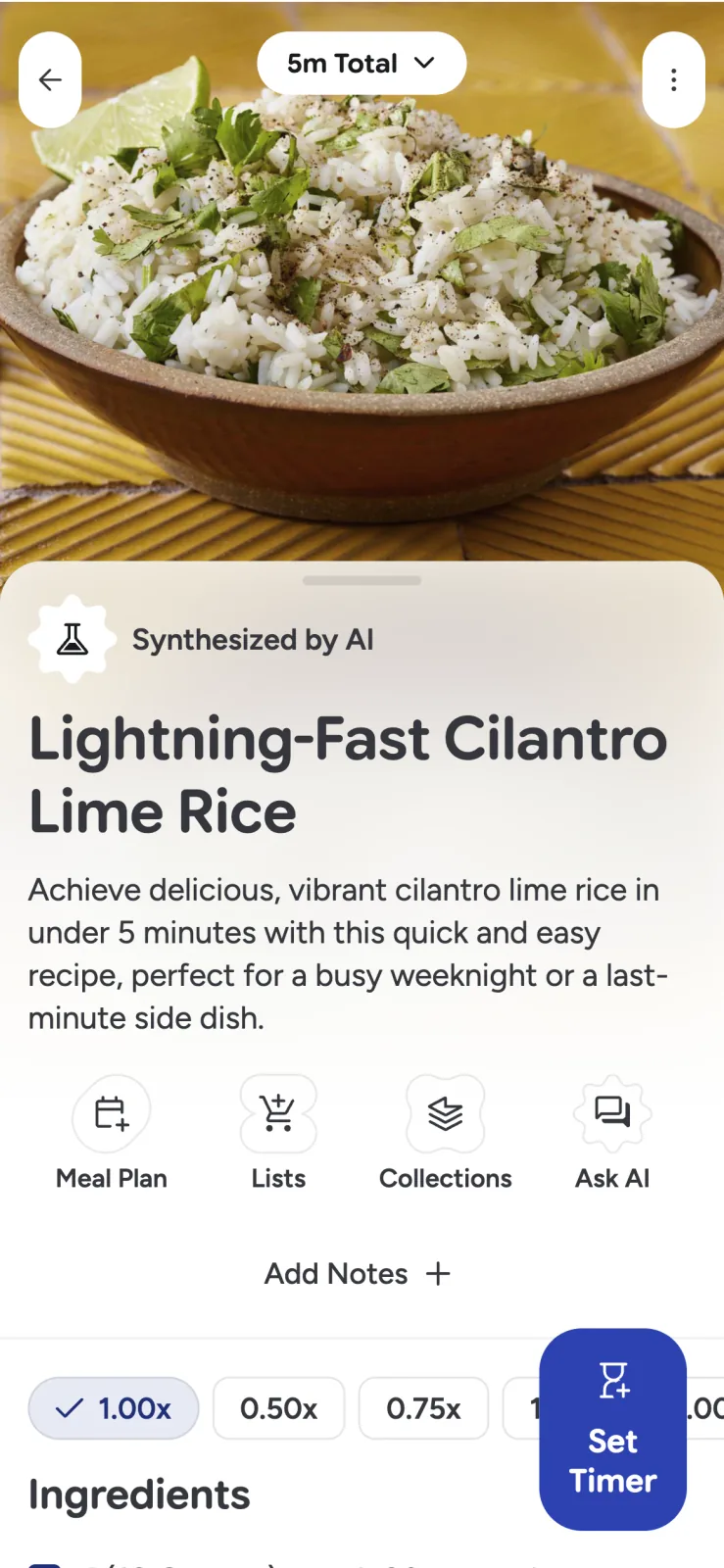
Prepare the recipe before touching the controls
Cooking mode cannot rescue an incomplete recipe or an empty pantry. Before starting:
- Read the entire method once.
- Confirm the yield, pan size, and oven temperature.
- Check that every ingredient is present.
- Identify anything that needs thawing, marinating, resting, or preheating.
- Set out critical equipment.
- Note the steps that depend on appearance or texture rather than time.
If the recipe was imported, compare questionable fractions or temperatures with the original source. A clean screen makes instructions easier to follow; it does not make inaccurate instructions correct.
Keep ingredients and steps in view
Repeatedly scrolling from “add the sugar” back to the ingredient list creates avoidable mistakes. Recipe Scout’s split view places ingredients and instructions together, while Step-by-Step mode focuses on one instruction and the ingredients connected to it.
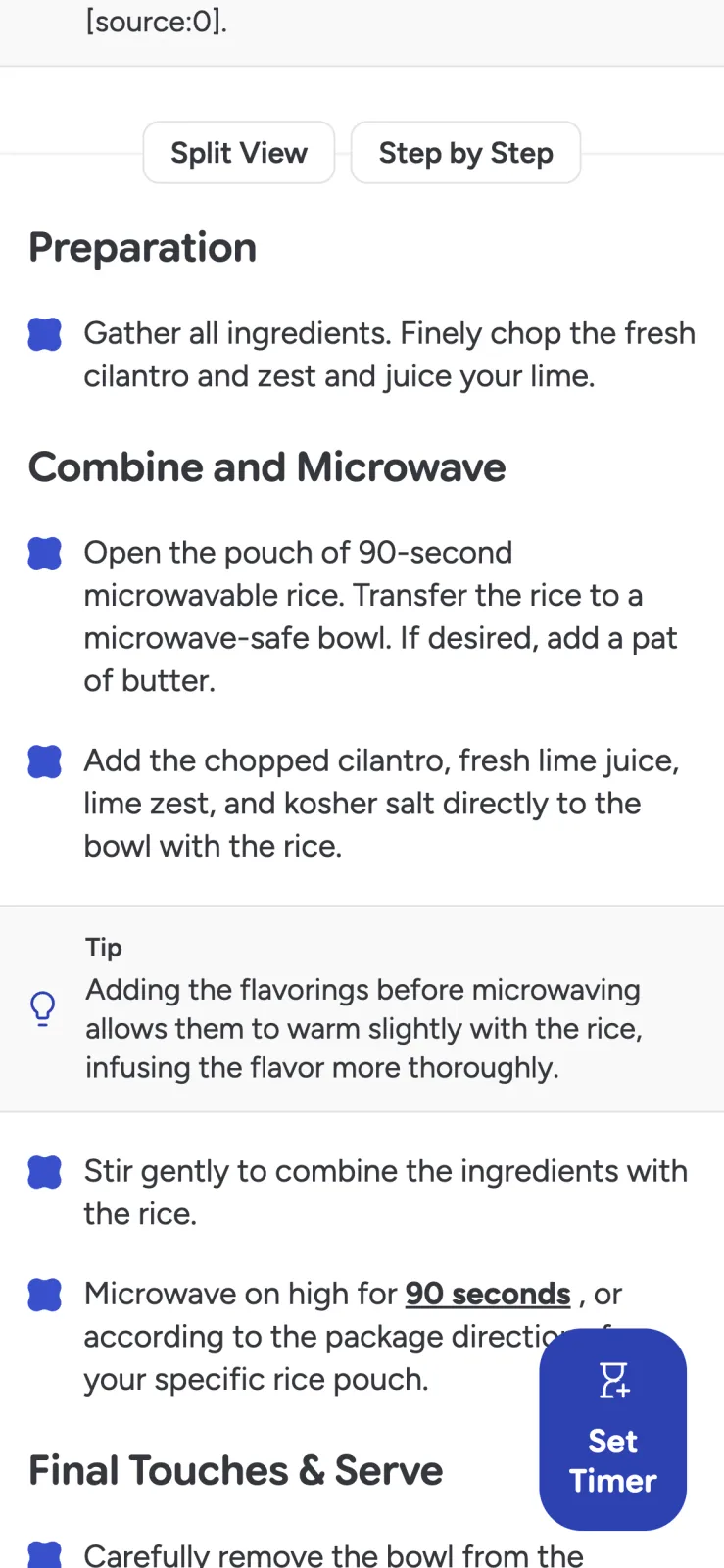
Use split view for short, familiar recipes where you want the whole shape of the method. Use Step-by-Step for long recipes, unfamiliar techniques, or instructions with several subcomponents.
Free accounts include a monthly allowance of split-view and step-by-step sessions; Plus provides unlimited sessions. Check the current in-app plan screen for exact limits.
Scale ingredients, not every number
A serving multiplier should change ingredient quantities without doubling an oven temperature, pan dimension, or phrase such as “2% milk.” Recipe Scout’s smart scaling is designed to distinguish those cases.
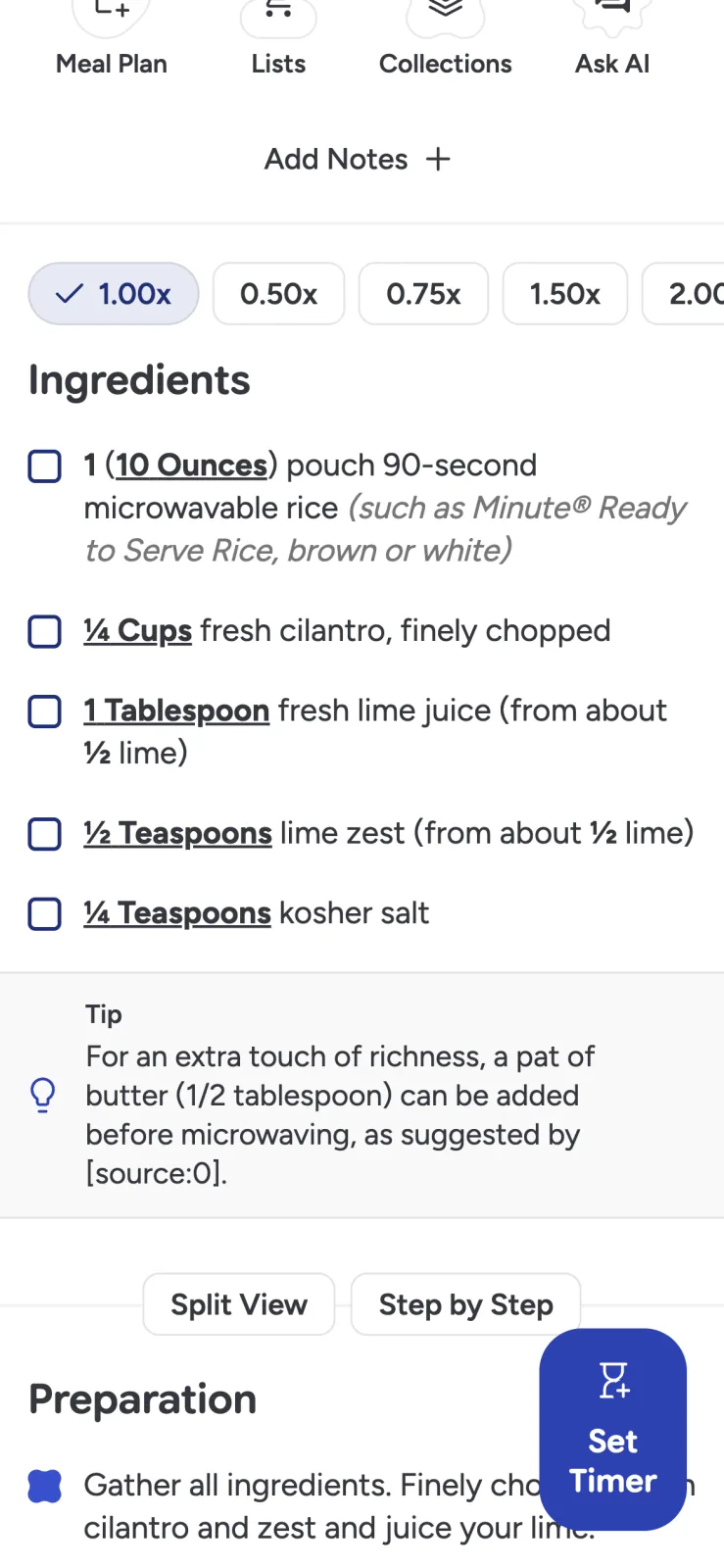
Even correct arithmetic does not guarantee identical cooking behavior:
- A doubled casserole may need a larger or second pan.
- Crowding a skillet can steam food instead of browning it.
- Yeast dough timing depends on temperature and dough mass.
- Spices and hot peppers may be better adjusted gradually.
- A half batch may be too shallow for the original baking vessel.
Scale before shopping so the grocery list matches the intended yield, then check the pan and method before cooking.
Convert units with the right expectations
Recipe Scout Plus can switch supported measurements between metric and imperial units. In-place conversion is useful when the recipe and your tools use different systems.
Conversion is most dependable when the original measurement and ingredient are unambiguous. A cup of flour is a volume; its weight depends on the flour and how the cup was filled. “One onion” has no exact gram equivalent. For precision baking, prefer the author’s original weight measurements when available.
Start timers where the duration appears
When an instruction contains a duration, Recipe Scout can create a recipe-linked timer. Multiple timers can run together, and a global timer view keeps them visible outside the current dish.
Name timers by action rather than ingredient: “flip salmon,” “check rice,” or “remove cookies.” If two dishes contain potatoes, “potatoes” is not enough information.
Free accounts support one active timer; Plus supports multiple concurrent timers. Timer alerts can continue to be useful when the phone is locked or the app is in the background, subject to device notification settings.
Move between dishes without losing your place
A full meal may involve a main, side, and dessert. Recipe Scout can pin active recipes in a persistent tab bar and preserve each dish’s scroll or step state as you switch.
Before cooking, build a short coordination plan:
- Work backward from serving time.
- Start the dish with the longest unattended cooking period first.
- Note equipment conflicts.
- Add a five- or ten-minute buffer for unfamiliar steps.
- Decide which component can wait without losing quality.
If timing is tangled, a recipe-aware AI cooking assistant can draft a sequence, but review it against the recipes and your equipment.
Use doneness cues and a thermometer
A timer tells you when to check; it does not prove food is done. Ovens vary, food begins at different temperatures, and pieces differ in size.
Use the recipe’s sensory cues—browned edges, thickened sauce, tender crumb—alongside appropriate tools. For meat, poultry, fish, egg dishes, casseroles, and leftovers, consult the USDA safe minimum internal temperature chart and measure with a food thermometer.
Turn the result into a better recipe
After cooking, add the information you will want next time:
- Actual time in your oven
- Pan size and material
- A successful substitution
- Whether the scaled yield was accurate
- A preparation step that should happen earlier
- A doneness cue that was more useful than the stated time
These notes convert a generic saved recipe into your reliable version.
A kitchen view should reduce mistakes
Cooking mode is useful when it prevents lost places, bad mental arithmetic, forgotten timers, and constant switching between apps. It should make the recipe calmer without hiding its source or asking you to surrender judgment.
Cook with Recipe Scout on one multi-step recipe and notice whether you spend less time navigating and more time paying attention to the food.


