
An AI cooking assistant is most useful after you have chosen a recipe and hit a specific obstacle: a missing ingredient, an unfamiliar instruction, two dishes that need the oven, or a dietary change. It is much less reliable as an unquestioned authority.
The right mental model is a fast kitchen collaborator. Let it explain options and consequences; keep responsibility for allergies, food safety, and the final result.
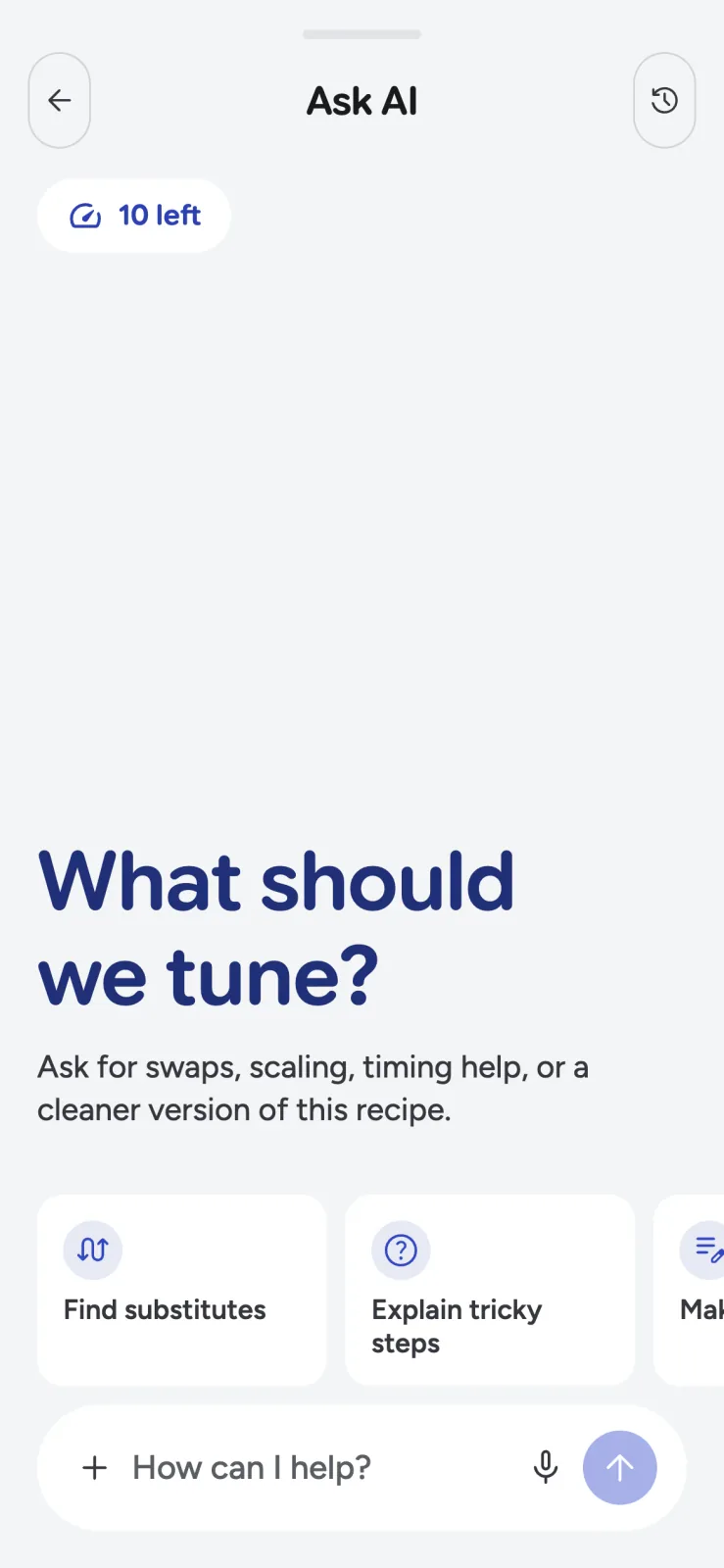
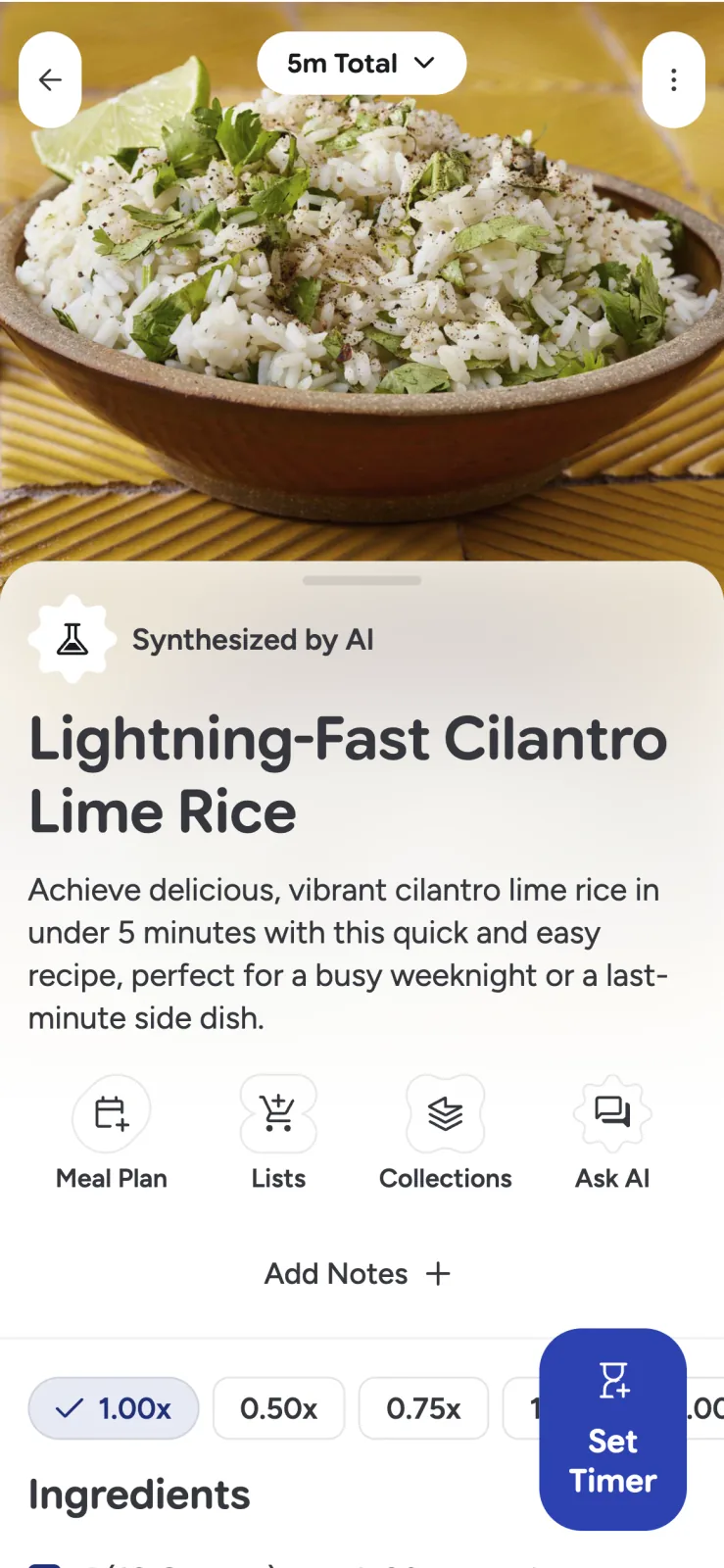
Recipe Scout’s Ask AI works inside the recipe you are viewing, so the assistant already has the ingredient list and steps. That makes it easier to ask a focused follow-up without copying the entire recipe into a separate chat.
Start with a question that contains a decision
“Help with dinner” leaves too much open. A useful prompt identifies the recipe, the constraint, and the outcome you want.
Try questions like these:
- “I have plain yogurt but no buttermilk. Will it work in this batter, and should I change the liquid?”
- “Which steps can I finish two hours before guests arrive?”
- “Rewrite step four for someone who has never folded egg whites.”
- “I have one oven. Build a timeline so the chicken and potatoes finish at 7:00.”
- “Make this dairy free, but do not replace the butter with coconut oil.”
- “Which ingredients require an allergy-label check?”
The constraint matters. A substitute that works in soup may fail in laminated dough because ingredients contribute structure, acidity, water, fat, and flavor—not just volume.
Evaluate substitutions by function
Before accepting a replacement, ask what the original ingredient does. A useful answer should address at least one of these roles:
- Moisture: milk, broth, fruit purée
- Fat and tenderness: butter, oil, egg yolk
- Structure: flour, eggs, gelatin
- Leavening and acidity: baking soda, baking powder, cultured dairy
- Binding: egg, starch, ground seeds
- Flavor or browning: sugar, alcohol, fermented ingredients
Then check quantity, timing, and method. Replacing cream with milk may require less added liquid or a thickener. Replacing bone-in chicken with boneless pieces can change cooking time. A good assistant should name those consequences rather than presenting a one-word swap.
For a medically necessary diet or serious allergy, do not rely on recipe text alone. Verify the exact package label, cross-contact warning, and kitchen setup yourself. AI cannot inspect the product in your hand.
Ask for the “why,” not only the definition
Recipe instructions often compress experience into a few words: “fold gently,” “deglaze,” “proof until doubled,” or “cook until the sauce coats a spoon.” Asking what a term means is useful. Asking why it matters is better.
For example, “Why should I rest this cookie dough?” can reveal that the pause affects flour hydration, spread, and flavor. Once you understand the purpose, you can make a more informed choice about shortening or skipping it.
If the answer depends on visual or tactile cues, ask for those too: what should the dough look like, how should the fish flake, or what changes when the onions are properly browned?
Build a timeline for several dishes
An assistant can turn recipe durations into a draft sequence. Give it your serving time, available burners and ovens, and which components can be held warm.
A practical prompt might be: “Dinner is at 6:30. This roast rests for 20 minutes, the vegetables bake for 35 minutes at the same temperature, and the sauce takes 12 minutes on the stove. Give me a timeline with five-minute buffers.”
Review the result before starting. Preparation estimates often exclude washing, chopping, preheating, or the extra time an unfamiliar technique takes. Add a buffer, then use cooking mode and recipe-linked timers to carry out the plan.
Treat recipe edits as a draft
Recipe Scout can apply a requested change to structured fields such as ingredients, steps, timing, and nutrition notes. It also summarizes the edit so you can inspect what changed.
Before saving, check that:
- Every changed ingredient appears in the relevant step.
- The yield and pan size still make sense.
- Temperatures were not accidentally scaled.
- A dietary change did not introduce another restricted ingredient.
- Estimated nutrition is labeled as an estimate, not a laboratory result.
Keep successful personal changes in the recipe notes. “Used an 8-inch pan; needed 7 extra minutes” is more valuable next time than repeating the same chat.
Know when not to trust the assistant
AI answers can be incomplete, overly confident, or based on the wrong interpretation of a recipe. Pause and use an authoritative source when the consequence of being wrong is serious.
Food safety is the clearest example. The USDA safe-temperature chart says to verify doneness with a food thermometer and lists different minimum temperatures for whole cuts, ground meat, poultry, fish, leftovers, and other foods. Appearance and time alone are not reliable substitutes for a thermometer.
Also seek qualified human guidance for medical nutrition, infant feeding, food preservation or canning, wild plants and mushrooms, and severe allergies. A cooking assistant can help formulate the question; it should not impersonate a clinician, food-safety authority, or local expert.
Use images to clarify, not to prove safety
Recipe Scout lets you attach a camera or gallery image to a question. A photo can help explain dough texture, browning, a broken sauce, or the shape of an unfamiliar ingredient.
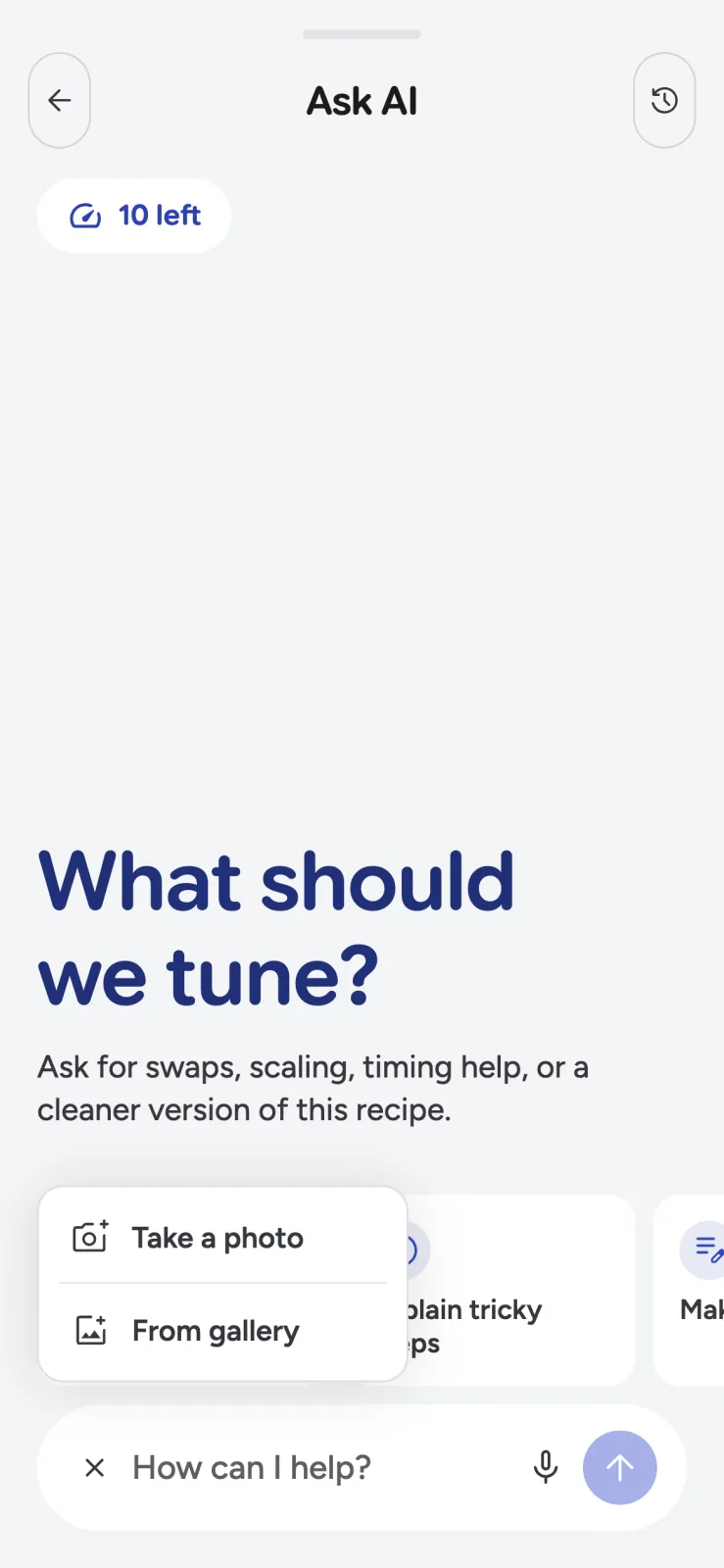
An image still cannot establish that food reached a safe internal temperature or that an ingredient is allergen-free. Use the photo as additional context, then verify critical facts with the right tool or source.
Keep the cook in charge
The best AI cooking assistant reduces uncertainty at the moment it appears. It gives you options, explains tradeoffs, and helps coordinate the recipe without pretending judgment is automatic.
Try Ask AI in Recipe Scout on one saved recipe, and judge it by a simple standard: did the answer help you make a better decision you could understand and verify?


